

AppImages are portable Linux applications packaged in a single file that you can download and run without installation. Unlike DEB or RPM packages, they don’t require root access or system-level changes. You just make the file executable and double-click to run.
But here’s the catch. AppImages don’t actually install on your system in the traditional sense. They exist as standalone executables that you have to manage manually. There’s no automatic desktop integration, no system menu entries, and no built-in update mechanism.
This way, you are stuck manually making files executable, going through folders to launch apps, and checking for updates yourself.
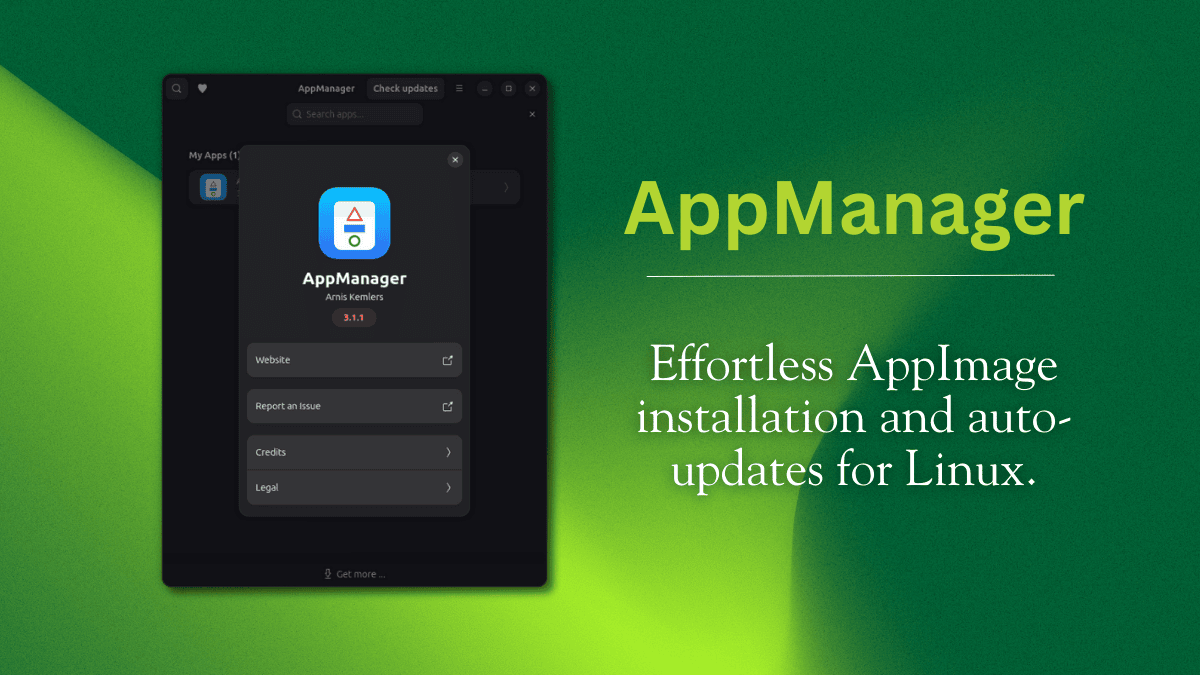
That is where AppManager comes in. This is a tool that handles all that tedious legwork for you.
In my opinion this is horrible, why is it not enough to just drag it there? Why exactly there is a need to drag it, then drag it once more, then press install? 🤔
It emulates legacy workflow from mac os where you open an archive that contains both the app and a shortcut to applications folder. So everything is result of being designed around that one drag and drop. I assume this installer also registers the file extension so it’s doubleclick -> drag -> confirm.
It was always a stupid and dumb idea by Apple, as everything by Apple.